
How to Clean a TV Screen Without Damaging It
To clean a TV screen safely, power it off and let it cool, dust with a dry microfiber cloth, then lift fingerprints with a second cloth that is only lightly damp — never spray liquid onto the panel. Skip paper towels, Windex, alcohol, and acetone; they scratch or strip anti-glare coatings on modern flat screens. Distilled water is the safest default; check your manufacturer’s manual before any vinegar mix. Here’s the method by TV type.
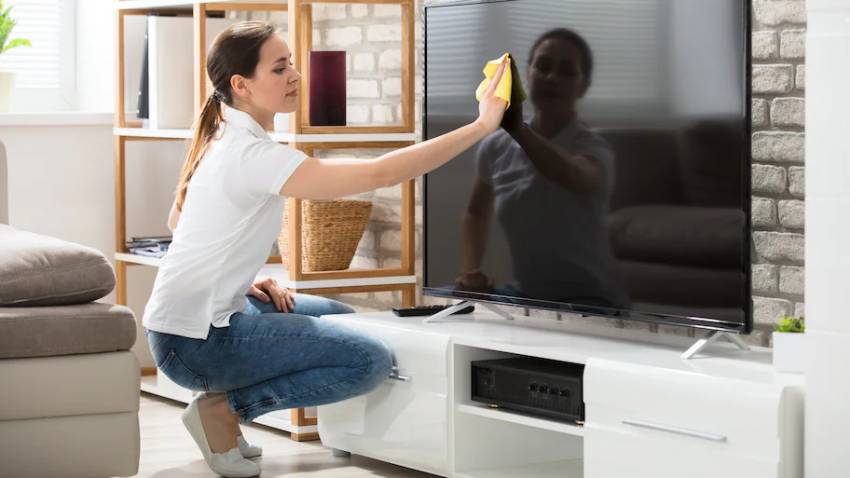
General rules that protect the panel
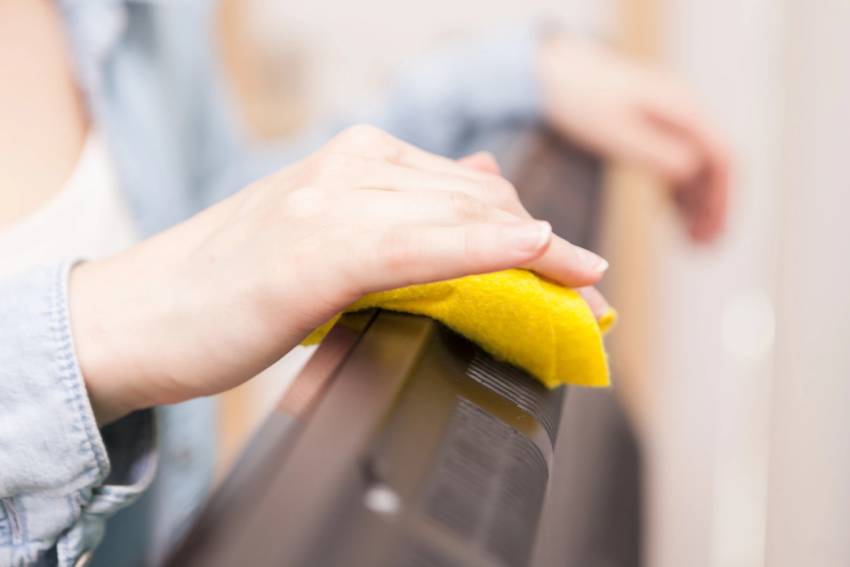
- Use a soft, lint-free microfiber cloth — nothing rough, paper-based, or shedding.
- Never spray cleaner or water directly on the screen. Liquid can seep under the bezel and damage the electronics.
- Work on a cool, powered-off screen so smudges show and heat doesn’t bake residue in.
- Light pressure only. Heavy scrubbing can damage OLED and LCD layers.
- When the manual and a blog tip disagree, the manual wins.
How to clean flat-screen LED, LCD, OLED, QLED, and plasma TVs
- Turn the TV off and wait until the screen is cool and dark.
- Optional: hold a soft-brush vacuum on low suction an inch away (no contact) to lift loose dust, then wipe with a dry microfiber cloth.
- Clean the bezel, vents, and speaker grilles with a dry cloth corner or cotton swab — gently.
- For leftover fingerprints, lightly dampen a second microfiber cloth with distilled water (or a manufacturer-approved screen cleaner). The cloth should feel barely damp, not wet.
- Wipe in one direction with light pressure. Let the screen air dry fully before powering on — buffing often adds streaks.
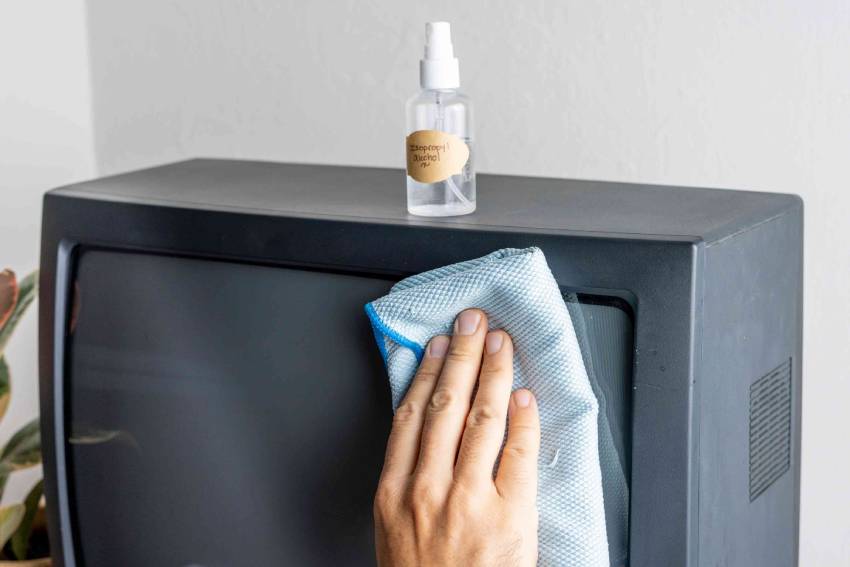
How to clean tube (CRT) televisions
Glass CRT screens are tougher than flat panels and tolerate a little more moisture. You can still use the gentle method above, or wipe with a microfiber cloth dampened with water. A glass cleaner is acceptable on CRT glass only — spray the cloth, not the set, and keep liquid out of vents. Dust corners with a dry cotton ball before any damp wipe so lint does not stick.
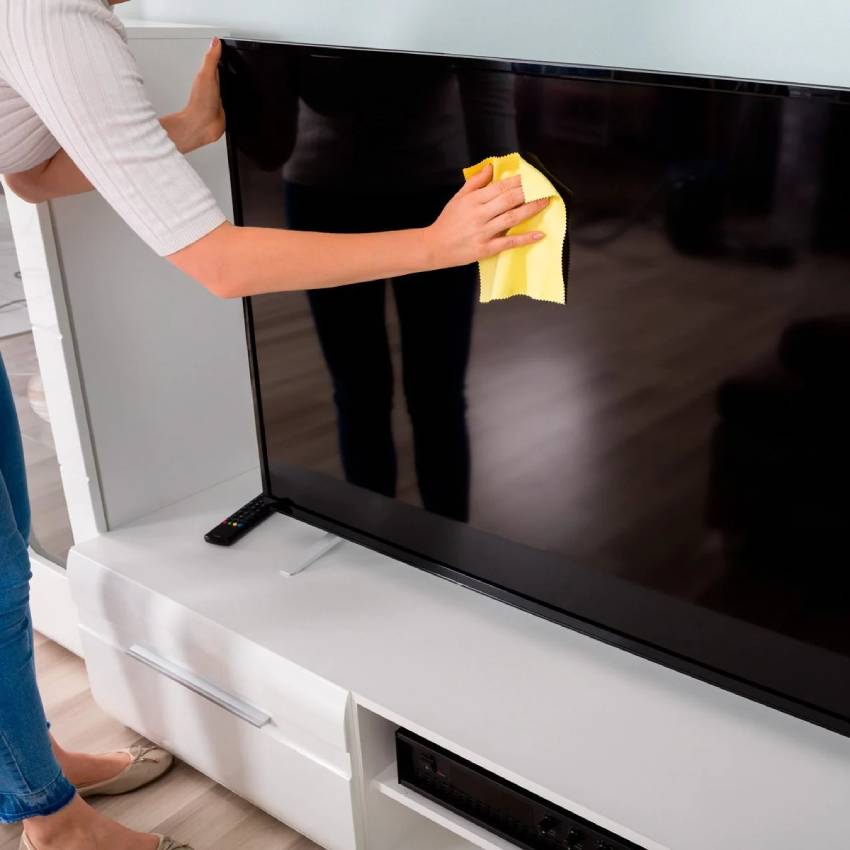
How to clean a 4K TV screen
“4K” describes resolution, not a special panel chemistry. Almost every 4K set is LED, LCD, OLED, or QLED — clean it exactly like the flat-screen method above. The same coating rules apply: no ammonia glass cleaner on the panel.
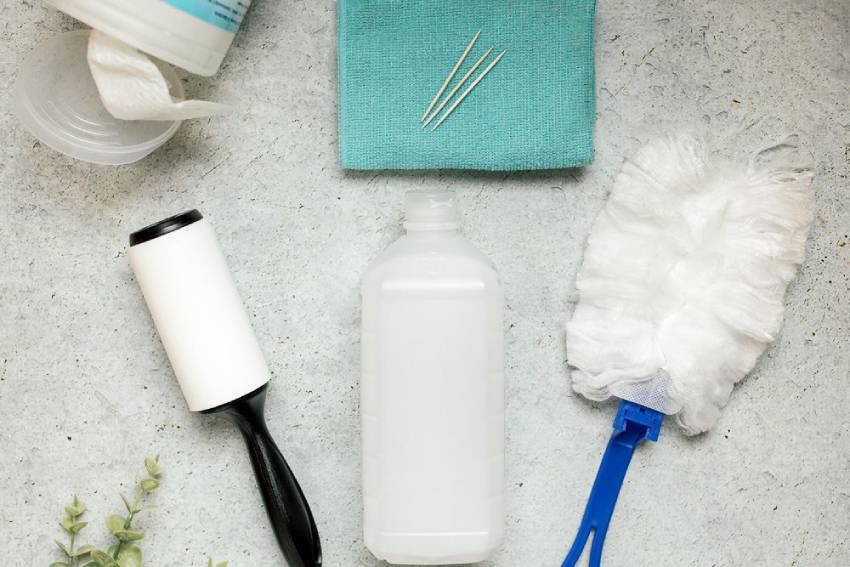
What to use (and what “DIY” actually means)
- Two clean microfiber cloths (dry pass + damp pass)
- Distilled water — several brands recommend this alone
- Manufacturer-approved screen cleaner when you want a bottled option
- Optional 50/50 distilled water and white vinegar only if your manual allows it; some OLED makers prefer distilled water only
Mix DIY solution in a small bowl or mister used only to dampen the cloth. Use distilled water so minerals do not spot the screen.
Don’t forget the remote
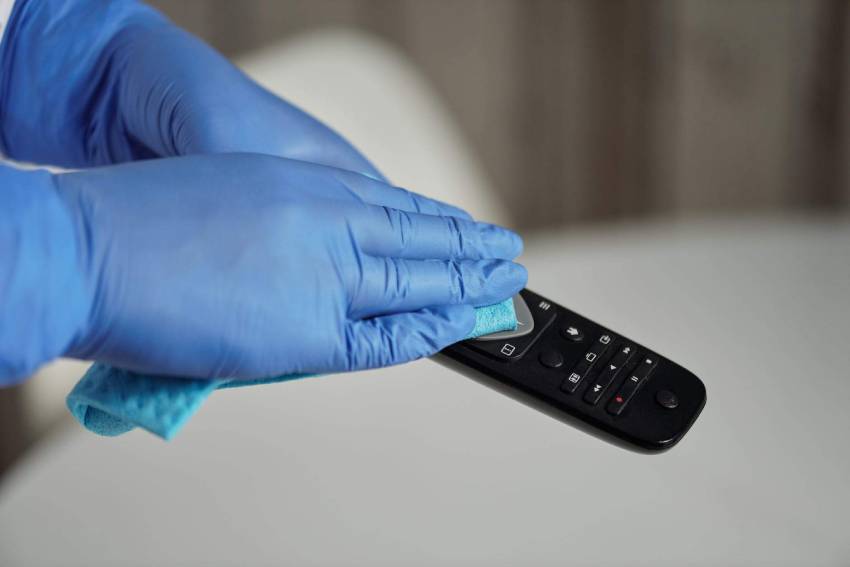
Remotes collect more greasy soil than the screen. Remove batteries for a thorough clean. Wipe with a wrung-out disinfectant wipe or a barely damp cloth — never soak the remote. Use a dry cotton swab or soft brush for crumbs between buttons. For other gadgets, see how to clean electronic devices.
What to avoid
- Ammonia (classic Windex and many glass cleaners) — strips anti-glare coatings
- Alcohol and acetone — same coating risk on many panels
- Paper towels and tissues — abrasive and linty
- Circular scrubbing that leaves swirl marks
- Powering on while the screen is still wet
Frequently asked questions
Can I use glasses cleaner on my TV?
Not on modern flat panels. Eyewear sprays often contain alcohol or other solvents that harm coatings. Stick to distilled water or a TV-specific product.
How often should I clean the screen?
Dust every couple of weeks; wipe fingerprints as they appear. Heavy kitchen or fireplace dust may need more frequent dry passes.
Why does my screen look streaky after cleaning?
Usually too much liquid or buffing while damp. Use less moisture, wipe one direction, and air dry.
A careful microfiber pass beats a harsh spray every time. Pair living-room upkeep with Pro Housekeepers’ regular cleaning or a periodic deep cleaning, and keep glass surfaces consistent with mirror cleaning habits that stay off the TV panel itself.